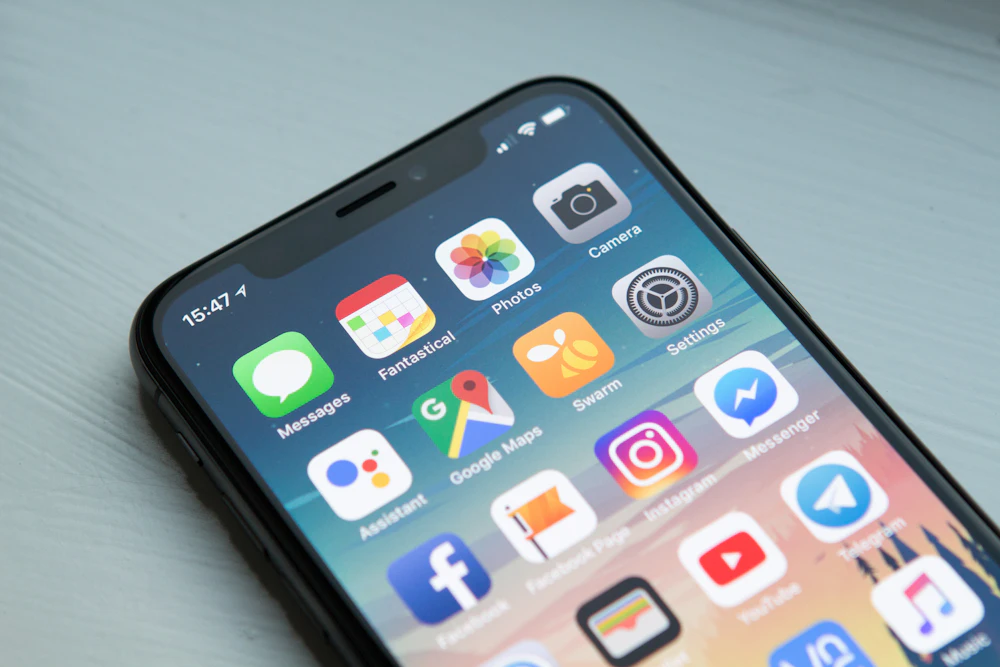
Mobile devices have revolutionized how players experience digital casino gaming across the Philippines. With over 85% of gaming activity now occurring on smartphones, having a responsive, lightweight, and dedicated mobile application makes a substantial difference in performance, battery consumption, and security. Through JL9, players can access a custom-engineered mobile application designed specifically to eliminate browser lag, accelerate lobby loading times, and provide secure biometric login features.
Whether you are running an Android smartphone from Samsung, Oppo, Xiaomi, or Realme, or operating an iPhone running modern iOS versions, installing the mobile client ensures you never miss a real-time game drop or promotional event. This master download hub explains file integrity verification, outlines installation prerequisites, and provides a structured directory to our specialized mobile setup guides.
Web browsers consume substantial system RAM when executing rich WebGL animations and high-definition video streams. By contrast, the dedicated mobile application for JL9 is compiled to execute native mobile code, allowing graphics to render smoothly at 60 frames per second while consuming up to 40% less mobile data compared to continuous browser reloads.
Furthermore, native applications support hardware-level biometric authentication (Fingerprint ID and Apple Face ID), ensuring your wallet balance remains protected even if your phone is handled by unauthorized individuals.
Featured Download Guides: 3x3 Hub Directory
Explore our step-by-step installation guides covering device configurations, security settings, and update management:
| Guide Title | Core Focus | Supported Platform | Direct Link |
|---|---|---|---|
| JL9 APK Direct Download | Official repository link for the latest signed Android package. | Android 7.0+ | Read APK Download Guide |
| Android Installation Steps | Configuring 'Install Unknown Apps' and package installer safety. | All Android Devices | Read Android Guide |
| iOS Safari PWA Setup | Adding the web application to the iPhone home screen without jailbreak. | Apple iOS Devices | Read iOS Guide |
| APK Security Verification | Checking SHA256 checksums to verify legitimate, uncorrupted files. | Security & Integrity | Read APK Verification Guide |
| Real Money Mobile Betting | How to place bets, spin reels, and manage bankrolls on smartphones. | Mobile Gaming Guide | Read Real Money App Guide |
| Free Application Setup | Zero-cost installation steps and hardware storage footprint analysis. | System Requirements | Read Free Install Guide |
| Mobile Features & Perks | Deep-dive into biometric authentication, push notifications, and caching. | Feature Evaluation | Read Mobile Features Guide |
| App Update & Patching | Safely updating to the latest application build without losing data. | Maintenance Guide | Read App Update Guide |
| App Troubleshooting Guide | Fixing 'Package Parse Error', install blocks, and white screen glitches. | Technical Support | Read Troubleshooting Guide |
Pagination & Spoke Navigation
Displaying 1–9 of 9 Mobile Guides | Complete Silo Coverage
Step-by-Step Android APK Installation Walkthrough
Installing an APK package requires granting temporary installation permissions in your Android operating system. Follow this straightforward procedure:
- Download the Official APK: Navigate to our verified JL9 APK download page and tap the direct download button.
- Enable Unknown Sources: If prompted by Chrome or your default browser, enter your device Settings > Security > Install Unknown Apps, locate your browser, and toggle "Allow from this source."
- Execute the Package: Open your device notifications or Downloads folder, tap the downloaded APK package file, and select "Install."
- Complete Security Scanning: Allow Google Play Protect to perform its automated security verification scan.
- Launch and Log In: Open the application icon on your home screen, enter your credentials, and activate fingerprint authentication for instantaneous future access.
Installing the Web Application on Apple iOS Devices
Due to Apple App Store restrictions on third-party real-money gaming distributions, iPhone and iPad users can install the platform seamlessly using Progressive Web App (PWA) technology:
- Open the Safari web browser on your iPhone or iPad.
- Navigate to the verified mobile website address.
- Tap the Share button (the square icon featuring an upward-pointing arrow) located at the bottom of the screen.
- Scroll through the share menu and select "Add to Home Screen".
- Confirm the application title and tap "Add" in the top right corner. An official application icon will appear on your iOS home screen, launching full-screen without Safari browser address bars.
Frequently Asked Questions About JL9 Mobile App
Is downloading the JL9 Android APK file completely safe?
Yes. Official installation files provided through verified channels are digitally signed and scanned against malicious code, malware, and adware before distribution.
Will installing the application consume large amounts of smartphone storage?
No. The core application package is exceptionally compact, typically requiring less than 50 MB of initial device storage, with game assets cached progressively only as you launch specific titles.
Can I execute GCash deposits directly inside the mobile app?
Yes, the application integrates seamless deep-linking with GCash and Maya, automatically opening your mobile wallet to confirm transfers and returning you directly to your game session.
What should I do if my phone displays a "Parse Error" during installation?
A parse error indicates an incomplete download file or an operating system mismatch. Ensure your device is running Android 7.0 or higher, delete the corrupted file, and download a fresh package over a stable Wi-Fi connection.
Does the mobile app update automatically?
When a critical software update or new game provider integration is released, the application will display a prompt upon launch allowing you to update to the latest build with a single tap.
Editorial Standards & Author Profile
Written by: Rafael Santos, Senior iGaming Compliance Editor
Rafael specializes in mobile software architecture, application performance testing, and mobile endpoint security across the Asian digital entertainment sector.
Compliance Advisory: Real-money gaming is restricted to legal adults aged 21 and older. Please review guidelines from PAGCOR and consult Gambling Therapy for confidential assistance regarding healthy play.